Why we built InterviewWala
Most ATS products are built for HR teams hiring slowly. Indian staffing firms hire fast, in volume, across many clients. We built InterviewWala for them.
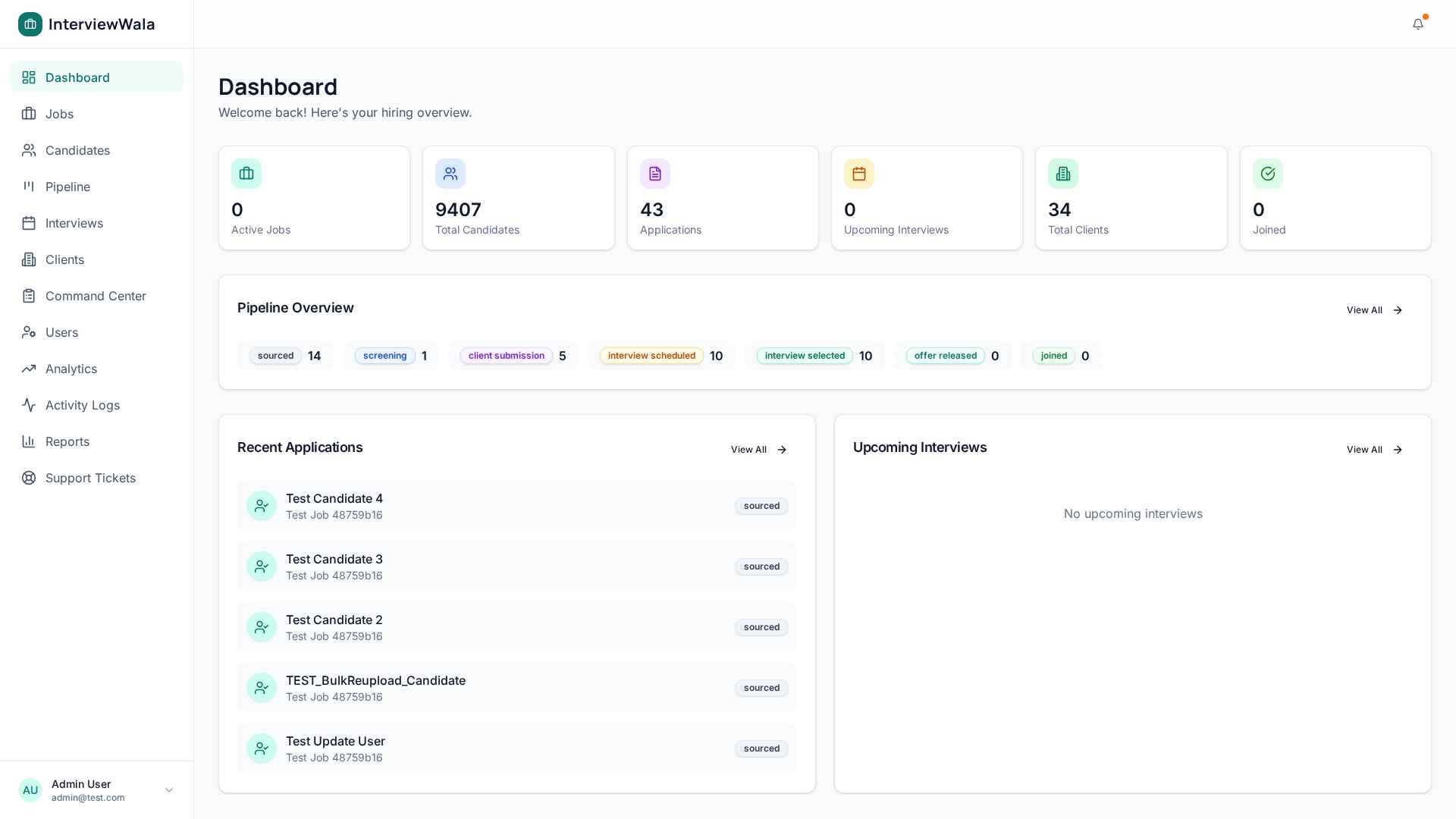
For three years, one of us ran recruitment for a staffing agency in Mumbai. Five recruiters, twelve active clients, 600+ candidates moving through the pipeline at any time. We tried every shape of tool — Zoho Recruit, a couple of HRMS suites, even a custom Excel + WhatsApp combo. Nothing fit.
Most ATS products are built for in-house HR teams that hire slowly: 15-30 jobs a year, 1-2 candidates per role, the offer letter is the finish line. Staffing firms work the opposite way — dozens of jobs open at once, hundreds of candidates per role, the recruiter's job ends only when the candidate joins (and replacement guarantees mean the relationship continues for months).
The three things that always broke
1. The pipeline was always five tabs deep
In every product we used, "what should I do today?" required opening five different screens. Open jobs in one tab, candidate database in another, today's interviews in a third, last week's submissions in a fourth, the client portal in a fifth. By the time a recruiter found the candidate they wanted to follow up on, twenty minutes were gone.
2. Bulk uploads were never bulk enough
A recruiter sourcing for an Engineering Manager role might collect 80 resumes from Naukri, LinkedIn and an internal referral spreadsheet — over a single afternoon. "Bulk upload" in most products meant one resume at a time, with manual fields. We needed real bulk: drag 80 PDFs, get 80 parsed candidates, no clicks per file.
3. The data was a black box once you grew past two recruiters
Who screened this candidate first? Why did the client reject them last month? Did anyone follow up on the offer that was sent on Friday? Multi-recruiter firms need an audit trail by default — not as a "premium feature".
"I shortlisted 5 candidates in 30 seconds — used to take me half a day."
What we built differently
- A single-screen Recruiter Command Center — open jobs on the left, drag-and-drop kanban in the middle, candidate detail on the right. No tab-switching.
- Drag 100+ PDFs at once. AI parses skills, experience, and contact info in seconds.
- Every stage transition is logged with the recruiter's name, timestamp, and remarks. No more "who moved this?".
- A "Best 10 candidates" button on every job — runs an AI shortlist against your candidate database in under 2 seconds.
- Free forever for solo recruiters. Pay only when your team grows past one user.
The product has been in active use with 3 staffing teams in Mumbai and Bengaluru for the last four months. The overwhelming feedback: "It saves me half a day every week." That's why we're opening it up.